STEP 1
Access free invoice maker
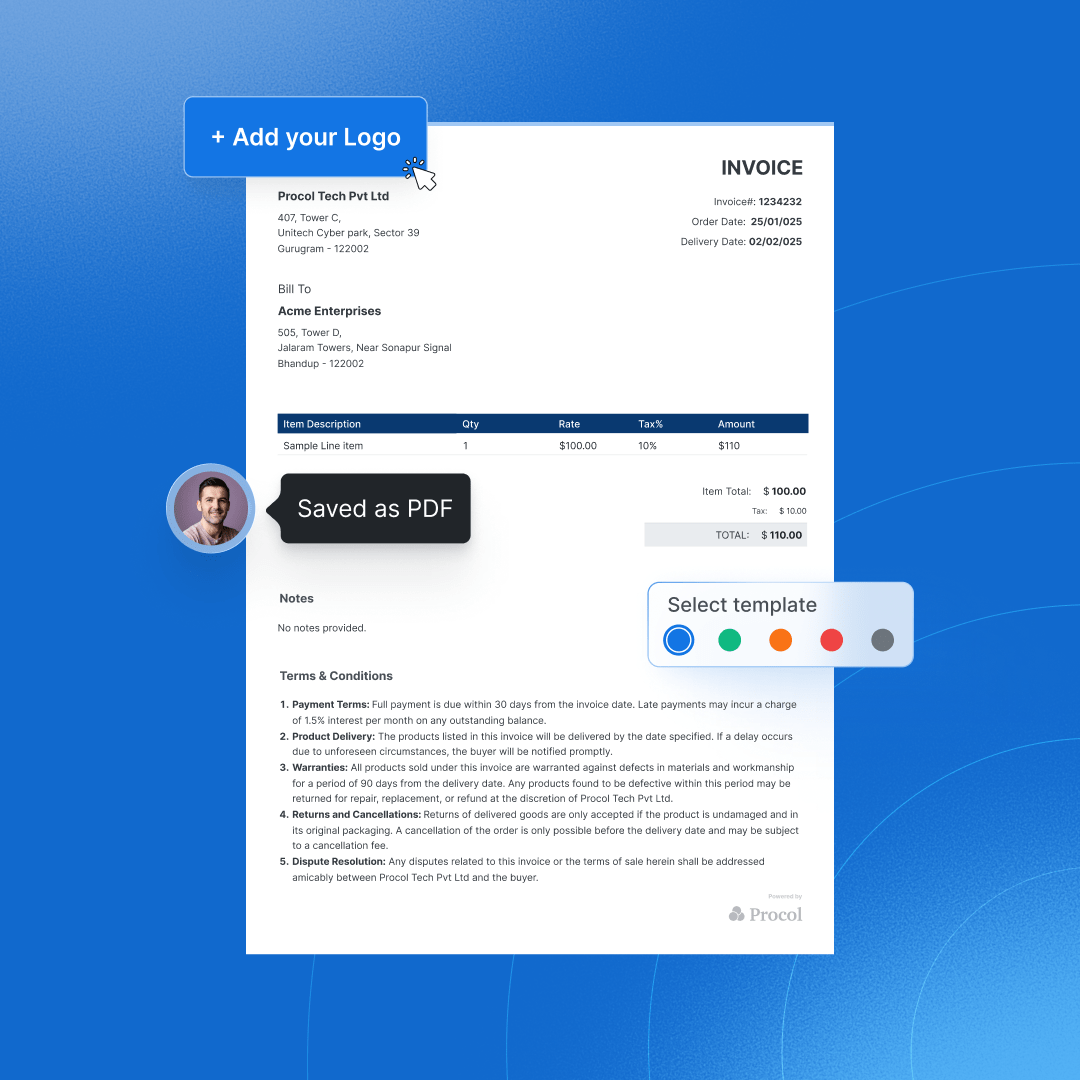
Select the color theme and invoice format to display your invoice. Now, add your business logo so your invoices reflect your brand’s image.


Create unlimited professional invoices in minutes with our free invoice maker. Streamline and boost your billing process with just one click. Download and send invoices instantly.
Generate Free Invoice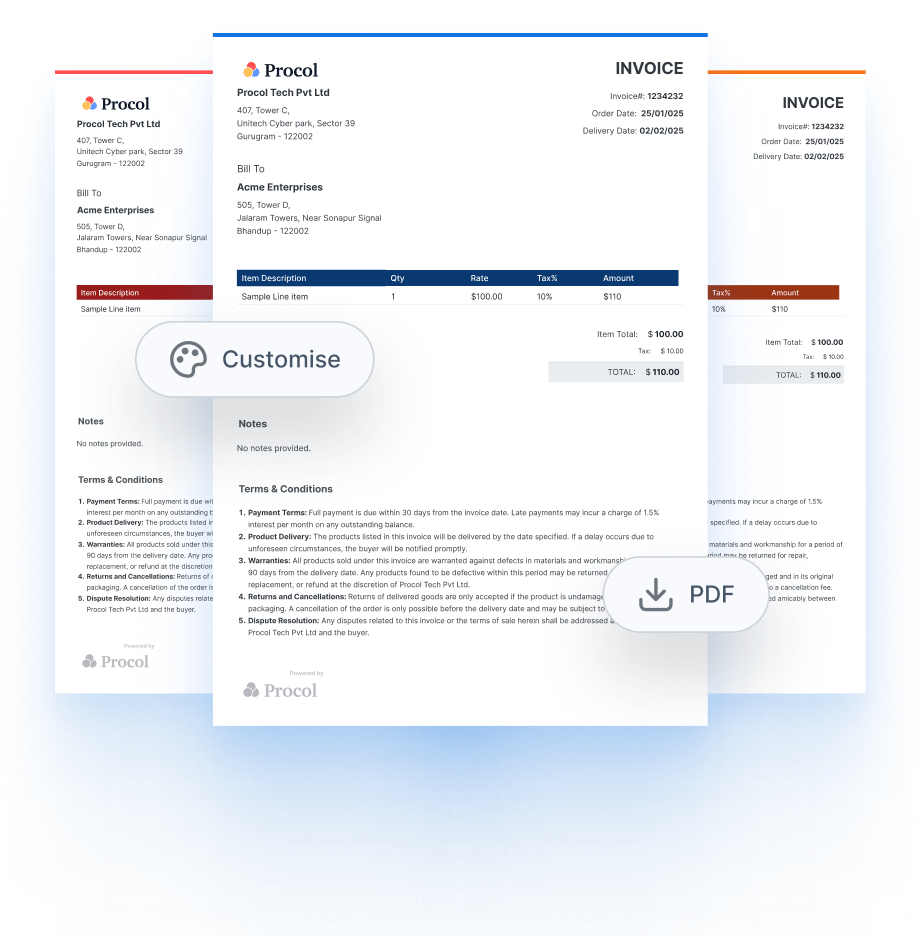











Automate your invoicing with the best AI Invoice Generator and create custom invoices effortlessly.
Automate your invoicing with the best AI Invoice Generator and create custom Invoices effortlessly.
Free online invoice generators are particularly appealing for entrepreneurs, freelancers, and small businesses with limited budgets, as they offer a convenient way to create an invoice online for free. Here are the key benefits of Procol’s best free invoice generator.
Read MoreExplore quick answers about our invoice generator
Procol offers the best online Invoice Generator. For free use, anyone can use it, whether you are a business or an individual. It automatically streamlines your workflow and improves efficiency.
In order to create your invoice, select a trusted invoice generator, create an invoice template, or choose a template that suits your requirements and includes important details such as the organization’s name and buyer details, a list of products or services offered, and their relevant prices, finally, make sure to add pricing details before sending the invoice to your clients.
You can create invoices for free using an online invoice builder. Procol’s invoice generator is one of the most trusted and used invoice makers with a wide range of customizable templates.
Yes, Google can create invoices online using pre-designed templates or custom ones in Google Docs or Google Sheets. However, it has its limitations, and it is always recommended to use a trusted online invoice generator.
Procol’s invoice generator is a free invoice app that provides essential invoicing features at no cost. You can create an invoice for free with its ready-to-use invoice templates.
Yes, AI can generate invoices by automating data entry and formatting. This ensures accuracy and reduces manual effort through platforms such as AI-powered invoicing software. AI invoice generators are simple and easy to use.
AI can generate professional receipts by extracting transaction details and formatting them into shareable documents using receipt-generating tools.
Automated integrating invoicing software is fitted into the organization systems, which saves a lot of time and effort as details like buyer and seller information with the billing amounts are pre-filled. To generate automated invoices, you can use any online free invoice maker and put in your business details, customize templates, and enable recurring billing to create and send invoices on a schedule automatically.
There are various ways of creating an e-invoice for free. Some are using a free invoice generator or invoicing software. Google Docs also offers free invoice templates.
You can create an invoice using an invoice generator Excel, but you need to start from scratch or use a pre-made template. Start by searching for “invoice” in Excel’s template gallery or create from scratch. For a new one, add your business details and logo at the top, followed by customer info and invoice number. Create a simple table with columns for Item, Description, Quantity, Rate, and Amount. Use basic formulas. Format with borders and colors to make it look professional, then save as a template for future use.
To make an invoice for receiving payment, all you need to do is go to Procol’s invoice generator, then enter the key information like business details, client information, description of goods and services, terms of payment, and amount due, and then you’ll get your payment invoice in PDF format.
The best website to generate invoices is Procol, as it offers the best free online invoice generator for your business needs. It is trusted by 200+ businesses worldwide.
Invoice Generator is an online tool that allows you to create and manage your invoices effortlessly. It helps you create custom invoices automatically and streamlines your billing process without manual effort. You can add seller and buyer details, list services and products, and calculate totals, including taxes, discounts, and more. Whether you are an individual or a business, this invoice generator tool is available for free use.
An invoice generator is a tool that automatically creates professional invoices by inputting your business and client details. These digital solutions help businesses and individuals to streamline billing by quickly creating customized invoices that can be downloaded as a free PDF, printed, or sent directly to clients.
Here are some quite intriguing features to look for in a free online invoice generator:
1) Streamlined interface: Most free invoice generators feature intuitive dashboards that allow for easy navigation and data input.
2) Customizable templates: Modify invoice templates to include your logo, brand colors, and unique payment terms.
3) Tax and discount options: Automatically calculate taxes, apply discounts, and avoid errors in manual calculations.
4) Multiple currency support: For businesses with international clients, multi-currency support ensures smooth transactions.
5) Recurring invoicing: Recurring invoices are set up, which helps users save time with long-term clients.
6) Integration capabilities: Connect your invoice builder to accounting software or payment gateways for seamless financial management.
Creating and sending professional invoices doesn’t have to be time-consuming or expensive. With a free online invoice generator, you can streamline the entire process in just a few minutes. Here’s how:
Start by selecting a reliable invoice creation tool like Procol’s Free Online Invoice Generator. It’s simple to use, requires no downloads, and is designed for businesses of all sizes.
Pick a template that aligns with your brand. You can personalize it by adding your company logo, brand colors, and preferred layout to ensure a professional appearance.
Fill in all necessary information, including:
1) Your business details: Company name, address, and contact information
2) Client details: Name, address, and email
3) Invoice number: A unique identifier for record-keeping
4) Invoice date and due date: Mention when the invoice is issued and when payment is expected
List each product or service rendered, including:
1) A brief description
2) Quantity
3) Unit price
4) Total amount per item
The generator will automatically calculate the subtotal and grand total.
Specify accepted payment methods (e.g., bank transfer, UPI, PayPal) and outline any applicable late payment fees or terms.
Verify all details to ensure accuracy. Once confirmed, download the invoice as a PDF or generate a shareable link.
You can send the invoice directly via the platform or email it manually to the client.
AI is transforming industries across the globe, so a digital invoicing, AI-powered invoice generator offers you multiple custom invoice templates. Traditionally, generating invoices requires a lot of time and manual efforts, which are prone to human errors, whereas AI does it in seconds with accuracy, and that too online. Here are the top six benefits of using an AI invoice generator:
AI tools automate the entire invoicing process, from data entry to calculations and formatting, eliminating the need for manual input and repetitive tasks.
With AI handling calculations and data validation, the chances of human errors, such as incorrect totals or missing fields, are significantly reduced.
AI integrations can connect with your existing tools (like CRMs, accounting software, or procurement platforms), enabling a seamless end-to-end billing workflow.
Automated invoice generation drastically cuts down the time spent on creating, editing, and sending invoices, especially when dealing with bulk billing.
AI ensures that every detail, including invoice numbers, dates, taxes, and totals, is precise and consistently formatted, enhancing the professionalism of your documents.
AI online invoice generator systems can learn from past invoices to auto-fill recurring information, set reminders for due dates, and even flag unusual billing patterns, helping teams work smarter and faster.
To optimize your invoices, you need to focus on clarity, efficiency & customer experience. Ensure that you use a clear and standardized structure and format. Automate the invoicing process. Here are the best tips to optimize your invoices:
Start by taking an honest look at your current invoicing process. Track key metrics like Days Sales Outstanding (DSO) and invoice error rates. Solicit feedback from your AR team to pinpoint bottlenecks and inefficiencies
Manual invoicing is slow and error-prone. Leverage tools that can:
• Auto-generate invoices from orders
• Schedule recurring invoices
• Send reminders
• Match invoices with POs and receipts
This reduces human error and frees your team to handle higher-value work
Send invoices immediately after delivery or on fixed dates (e.g., the 1st of each month). Prompt billing is consistently cited as a top way to speed up payments.
Use consistent templates that feature your branding, logo, client contact, invoice number, due date, line-item descriptions, taxes, and terms. Clarity prevents payment delays.
Specify due dates, accepted multiple payment methods, and any penalties or early payment discounts. Transparency reduces disputes and accelerates payment.
Friendly reminders sent a few days before and after the due date, help keep bills top-of-mind. Let automation send them at scale while maintaining a professional tone.
Use AI-driven data capture or OCR tools that extract vital fields and flag discrepancies like missing PO numbers. This minimizes input errors and speeds up processing
Store and tag invoices systematically by client, due date, invoice number, and payment status. This makes retrieval, reconciliation, and audits fast and painless
Ensure everyone involved in AR understands:
• What details an invoice needs
• The importance of timely issuance
• The process for following up or resolving issues
Regularly track metrics like average payment time, overdue invoices, and reminder efficiency. Use this data to refine your process, e.g., identifying clients who pay late or optimizing reminder cadence.
For modern businesses, online invoice generators and AI-powered invoice generators proved themselves to be game-changers. They are time-efficient, error-free, save from hassle and blunders, and enrich your invoices with professionalism, all while being incredibly easy to use and access.
Whether you’re a small business operator, start-up owner, or an aspiring entrepreneur, these online free invoice builder tools and AI invoice generator tools can help your invoicing procedure flow gracefully, resulting in you focussing and being truly dedicated to your business growth and expansion.