Manual invoicing steals your time
Hours spent formatting, calculating, and chasing approvals for every invoice.


 Strategic Sourcing
Streamline strategic procurement
Strategic Sourcing
Streamline strategic procurement
 eAuction Pro
Drive better cost savings
eAuction Pro
Drive better cost savings
 Vendor Onboarding
Speed up onboarding and auto verification
Vendor Onboarding
Speed up onboarding and auto verification
 Vendor Portal
Flawless Post-PO process & accounts payable
Vendor Portal
Flawless Post-PO process & accounts payable
 Source to Pay
Digitize your procurement lifecycle
Source to Pay
Digitize your procurement lifecycle
 Procure to Pay
Single platform for intake-to-pay
Procure to Pay
Single platform for intake-to-pay
 Procurement Orchestration
Orchestrate systems, teams and processes
Procurement Orchestration
Orchestrate systems, teams and processes
 Supplier Management
Build stronger supplier partnerships
Supplier Management
Build stronger supplier partnerships
 Autonomous Sourcing Agent NEW
Automate everything from PR to PO with AI agents
Autonomous Sourcing Agent NEW
Automate everything from PR to PO with AI agents
 Supplier AI Agent COMING SOON
Track, score and manage all suppliers and ensure compliance
Supplier AI Agent COMING SOON
Track, score and manage all suppliers and ensure compliance
 Spend Analytics Agent COMING SOON
Unlock spend patterns, predict trend & make data-driven decisions
Spend Analytics Agent COMING SOON
Unlock spend patterns, predict trend & make data-driven decisions
 Manufacturing
Automate sourcing to get your indirect spend under control
Manufacturing
Automate sourcing to get your indirect spend under control
 Construction
Automate BOQs and deliver projects faster
Construction
Automate BOQs and deliver projects faster
 IT & Services
Gain clear visibility from intake to payment
IT & Services
Gain clear visibility from intake to payment
 Procurement
Streamline sourcing, reduce costs, and build stronger supplier relationships
Procurement
Streamline sourcing, reduce costs, and build stronger supplier relationships
 Finance
Gain real-time spend visibility, and automate your AP workflows
Finance
Gain real-time spend visibility, and automate your AP workflows
 IT
Empower secure, scalable, and AI-integrated procurement
IT
Empower secure, scalable, and AI-integrated procurement

AI in Procurement - Whitepaper
Explore More Blogs
Get industry insights and best practices on procurement
Blogs
Get industry insights and best practices on procurement
 Case Study
See how Procol is helping clients achieve procurement success
Case Study
See how Procol is helping clients achieve procurement success
 Glossary
Your A-Z guide to key procurement terms and concepts
Glossary
Your A-Z guide to key procurement terms and concepts
 Podcast
Actionable insights from top procurement leaders
Podcast
Actionable insights from top procurement leaders
 E-Book & Report
Procurement insights for smarter decisions and sourcing solutions
E-Book & Report
Procurement insights for smarter decisions and sourcing solutions
AI in Procurement - Whitepaper
Explore MoreInvoice Generator is a free tool that helps you create unlimited professional invoices instantly. You can get your payments faster with this online invoice generator built for enterprises, small businesses, and freelancers.
Tired of chasing payments and managing late invoices? Try the fastest and easiest invoice generator free tool that creates professional and GST-compliant invoices.
Create an InvoiceInvoice generator is an online tool that helps you create, customise, and send invoices automatically for the sold goods or services. It is a web-based technology that automates the process of making invoices with minimal manual input.
If you are a freelancer, small business, or large enterprise, you can use the free online invoice generators to create professional invoices in seconds.
Generate Free InvoiceTo create an invoice using this Invoice Generator tool, follow the step-by-step process below to generate a custom invoice from scratch.
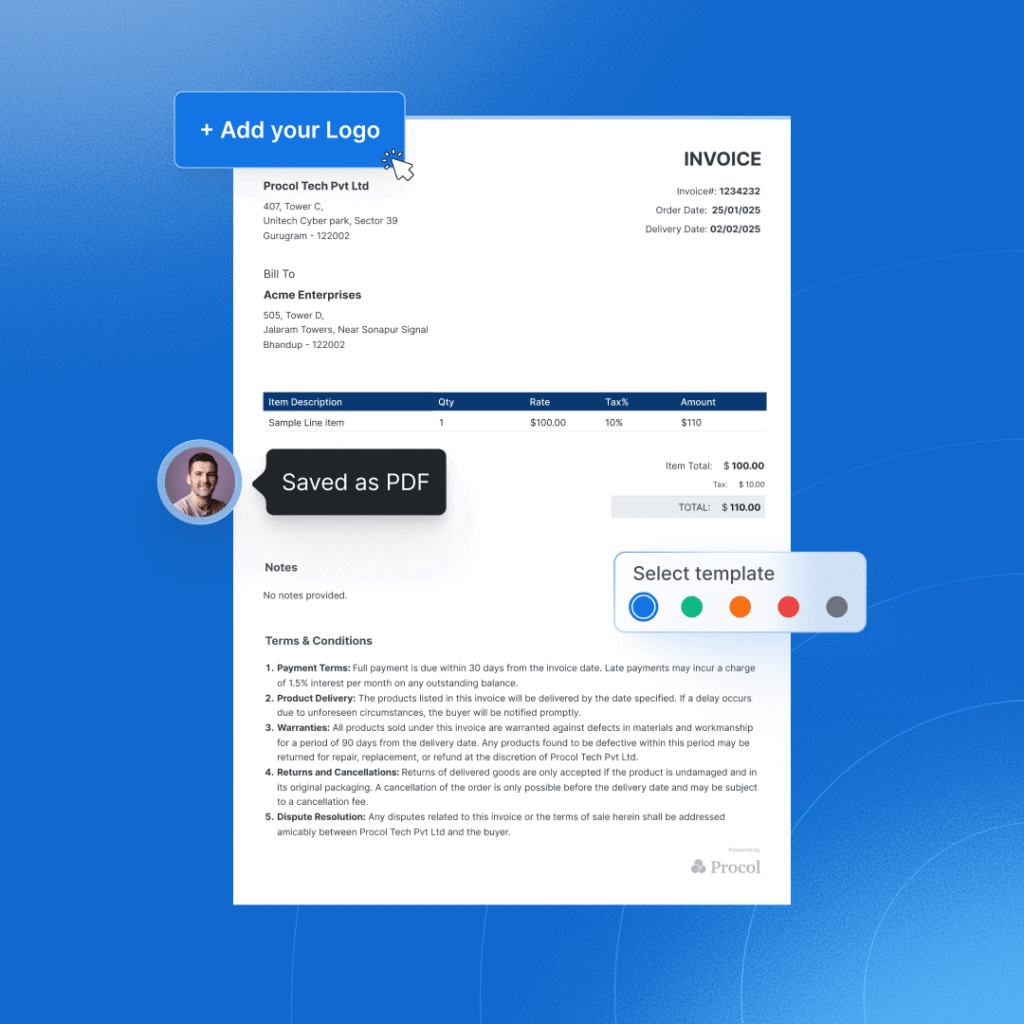
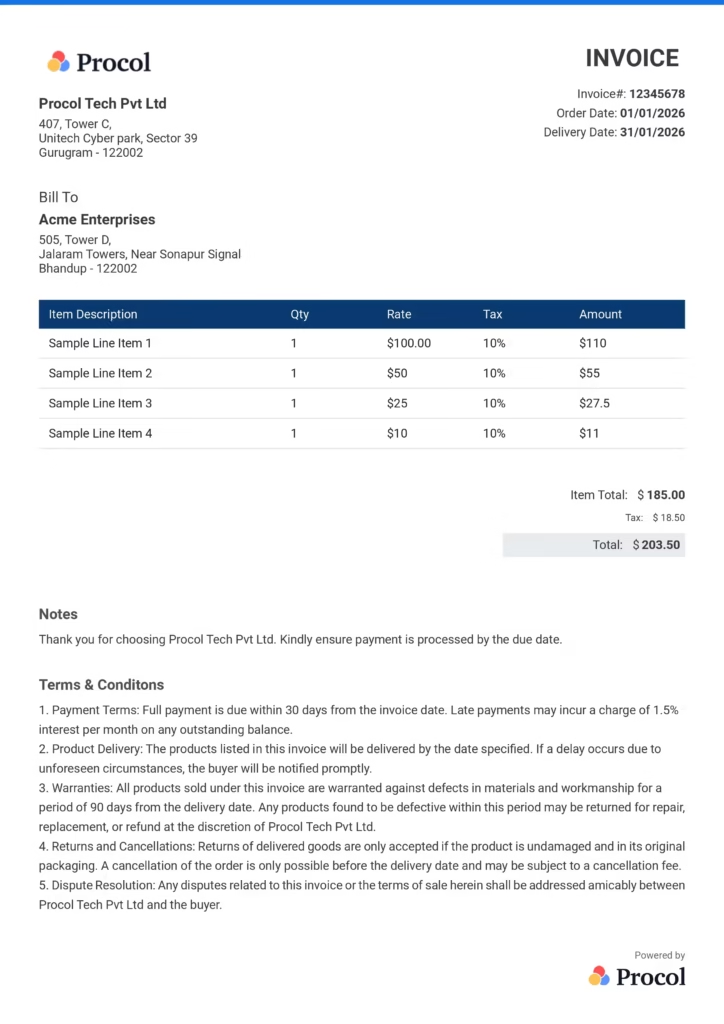
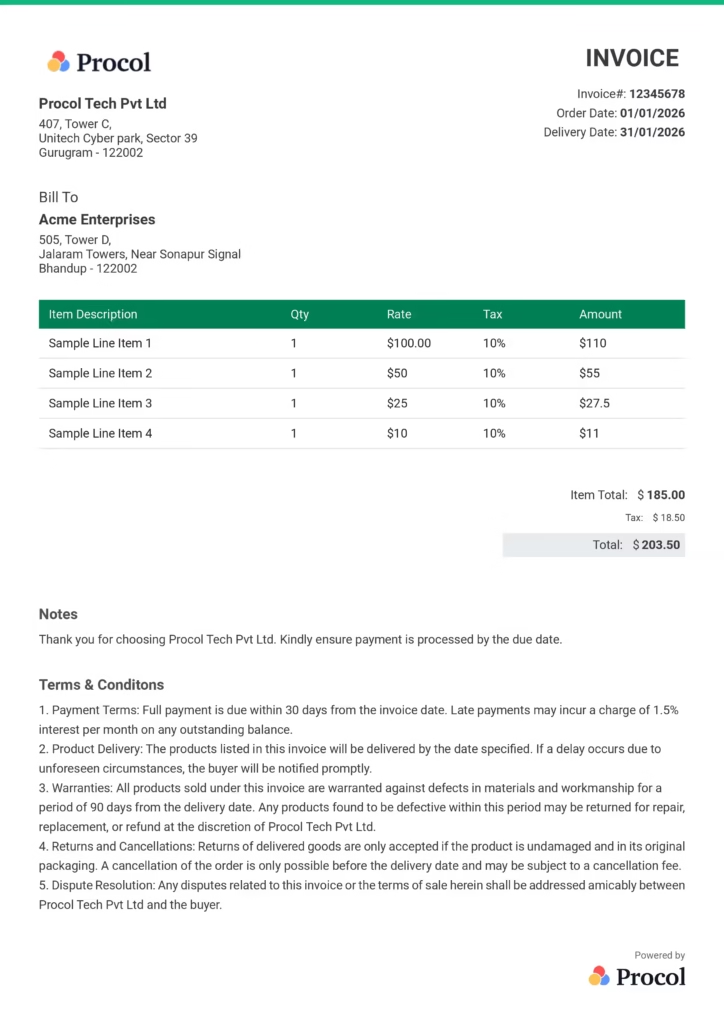
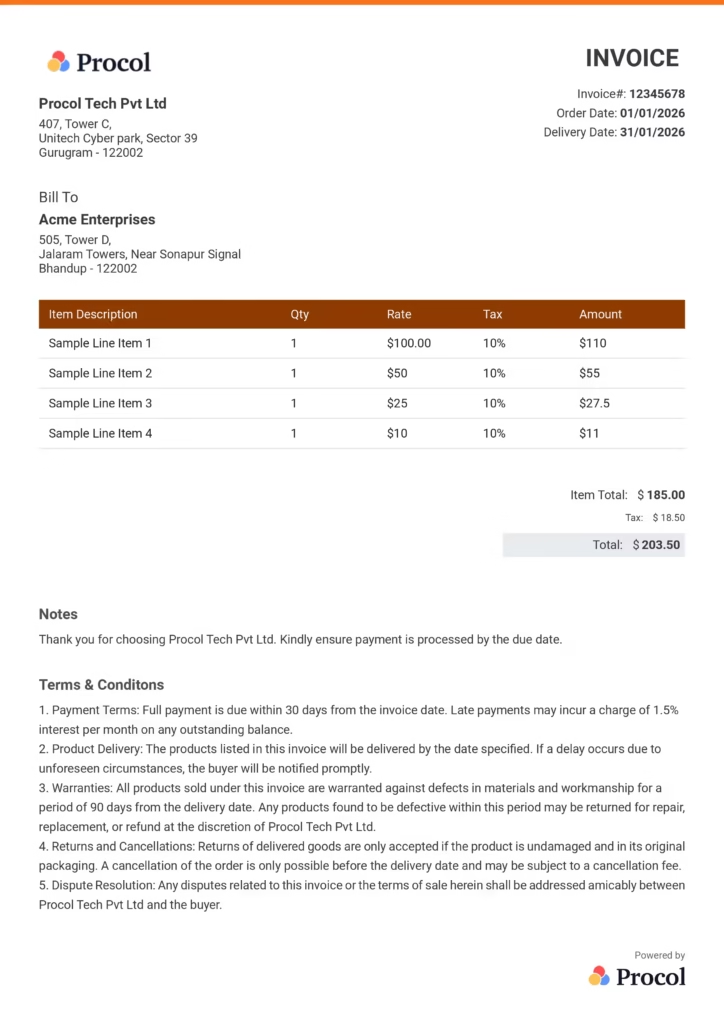
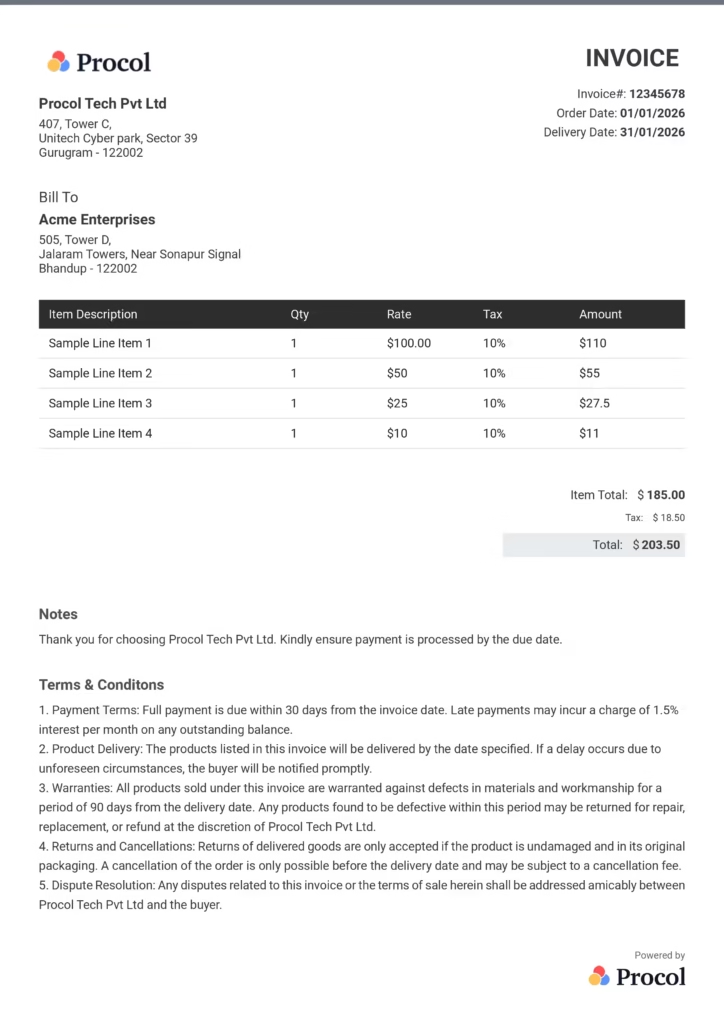
Go to the free invoice maker online and select the color theme and format of the invoice from the multiple custom invoice templates to make it from scratch.
Now, upload your customized business logo to ensure the invoice matches the brand image.
Fill in important business details like your company name, address, dates, currency, and the client’s business name and address.
Once you are done, fill in the sale item descriptions, which include item name, description, quantity, rate, tax%, and the platform will auto calculate the total amount.
You can also add additional notes (optional). You can now save and download the invoice as a PDF and send it directly via email.
Procol offers the best free invoice generator that helps you automate the time-consuming, error-prone, and manual process of making invoices while improving cash flow and finance controls.
Enter your details and get a perfectly formatted, invoice ready in minutes, no tech and design skills required.
It automatically calculates the subtotals, taxes, and discounts of items in real time without any manual math or errors.
Built with complete security and compliance kept in mind, to make sure your invoices and business data are safe at all times.
Get multiple customized pro templates and personalize them with your brand logo, colors, and details.
Download a polished PDF instantly, ready to send to your client the moment it’s done.
Email it, share a link, or print it, send your invoice however works best for you.
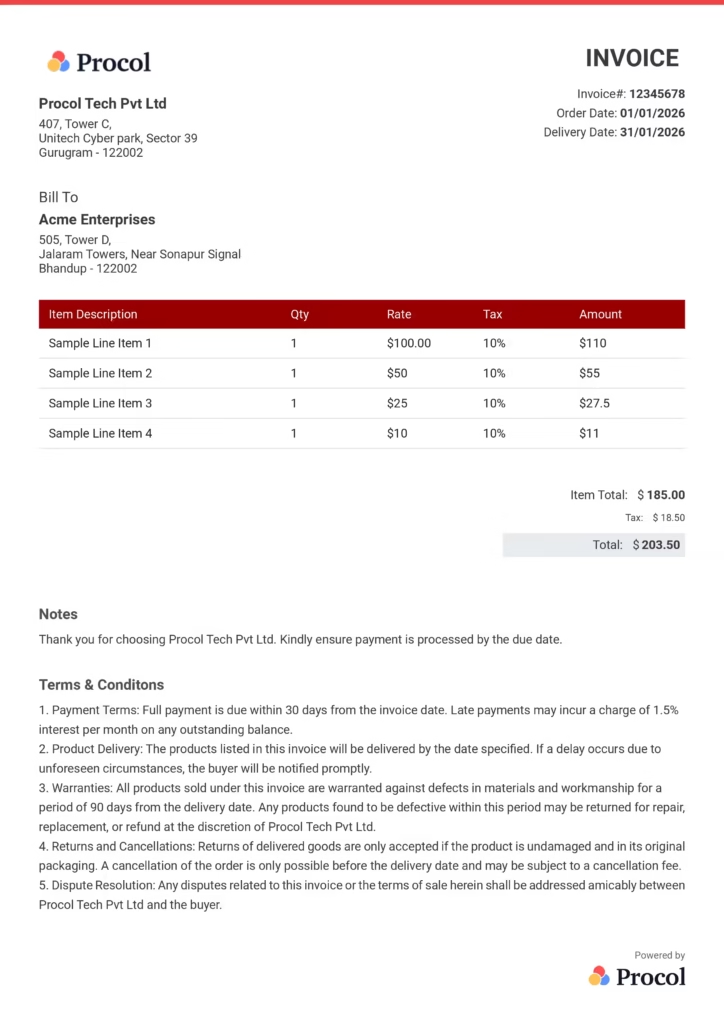
Your invoice should explain what the payment is for, who issued it, and how the payment should be made. So you can keep the information structured and easy to read. Please find a list below of the 12 key details that you must add to your invoices.
Start with a clear header that labels the document as “Invoice.” This helps the reader instantly identify the purpose of the document. Businesses often add their logo here to maintain a competent appearance.
Include a unique invoice number for every single invoice. This makes it easy to track, organize, and reference the transaction in financial records.
Add the basic details of the person or business issuing the invoice. This typically includes:
– Business or company name
– Address
– Phone number
– Email address
These details show who is requesting the payment.
Clearly mention to whom the invoice is issued. Include:
– Client name or company name
– Billing address
– Contact details like phone number or email
Accurate details ensure the invoice reaches the correct recipient.
Mention the invoice date and the payment’s last due date to avoid any late payments and stay aligned.
Add a list of the products that are sold or services given. For each item, include:
– Product or service name
– Description (if required)
– Quantity or number of hours
– Price per unit
This helps the client clearly understand what they are being charged for.
Add the payment terms and conditions. You may include payment timelines, late payment charges, or any other billing policies.
Mention the currency used in the invoice, like INR, USD, etc., to make sure there is no doubtful payment, especially for international purchases.
Give a clear breakdown of the price by including unit prices and subtotal amounts. This visibility helps them see exactly how the final amount is calculated.
Apply the correct tax rates, like GST or any other service fees. You should list these separately so the client can see the exact tax amount added to the bill.
Display the total amount payable clearly. This should include the cost of goods or services along with any applicable taxes or fees.
Finally, tell the payment methods that are available, like bank transfer, card payment, digital wallets, or other accepted options.
Delayed payments are a highly complex issue that businesses are facing today, according to the latest research by the Working Capital Playbook, a PYMNTS and YayPay collaboration, 93% of enterprises are experiencing late payments, which are affecting their overall business operations.
This is where Invoice Generator steps in to make sure you get your next payments on time.
Here are the top 5 key benefits of using a free invoice generator:
A free online invoice generator like this tool automates the process of creating an invoice. Just provide the important details, and the tool will automatically process and calculate the taxes, totals, and discounts.
These tools make sure the invoice is free from any errors, and keep invoices 100% error free. Due to automated calculations, it reduces the chances of manual data entry and calculation mistakes.
Cloud-based Invoice Generators help you with easy and fast invoicing from any device. This adaptability guarantees better client connection and prompt invoice delivery.
With an online invoice maker, you can easily keep track of all the invoices and payment due dates. It automatically improves your cash flow.
When you create an invoice manually, it involves a lot of tedious and laborious tasks that are time-consuming and require a lot of effort.
That’s why the GST invoice generator automates the entire process and creates competent invoices in real time, freeing up your team’s time and efforts for strategic work.
If you are a small business owner, freelancer, or large enterprise, a free invoice generator is highly beneficial for your business. The platform is easy to use, error-free, automated, and lets you make GST-compliant invoices in seconds without any design skills, accounting skills, or tech expertise. Every minute you spend your time on manual invoicing, you are delaying your business growth.
Explore quick answers about our free invoice generator.
An invoice refers to a formal accounting document that keeps records and mentions what a customer owes in exchange for goods or services. It includes a list of items sold by a seller to a buyer before the payment process. It serves as a formal request to collect payment for the rendered goods or services from the buyer.
A proforma invoice is a preliminary invoice or bill of sale sent by a seller to the buyer to request payment for goods or services before a sale is finalized. It includes an advanced total, or an estimate of the total amount, including payment details for a sale.
Sending an invoice is a piece of cake with an online invoice generator. Once you have created your invoice using the free invoice generator tool, including all the important details, scroll down, and you will find a download button. Click on that and download the invoice pdf, then you can share that pdf invoice directly over email or via other preferred e-communication channels.
The best invoice generator is the one that offers robust invoicing features like easily and quickly accessible, easy to navigate, free to use, built-in auto calculator, and more. This is where Procol comes in with the best invoice generator that comprises all the features, built for everyone, whether you are a freelancer, a small business, or a large enterprise. It offers customized templates as per specific brand needs and is completely free to use. Recognized as one of the best invoice generators for mobile and desktop.
To create an invoice for free, you can use the free online invoice generator powered by Procol AI, which will help you create an invoice for free in real time.
Yes! Google can create invoices. You need to use Google Docs and Google Sheets to manually create these invoices. You can also create them with the Google Workspace invoice maker.
To generate automated invoices, you should use cloud-based invoice generator software that automatically processes invoices with zero hard work, like a smart AI invoice generator. Just enter details, pick a template, or customize it according to your brand identity, and then it will auto calculate the totals, taxes, and discounts, without any mistakes.
To create an electronic invoice or e-invoice for free, all you need is a digital or online invoice generator tool, then access the tool, add your business logo, add company and client information like address, contact details, item description, cost, and more, then simply download and share as a PDF.
To make an invoice in Excel, follow these steps:
1) Open Excel
2) Look for an online invoice template
3) Choose a template
4) Customize it as per your business needs
5) Save the invoice
Invoice: An invoice is a formal document that is sent to a buyer by the seller before the payment is made.
Receipt: A receipt is a document that is raised by a company for its client after the payment is made for the sold item, like a proof of payment for both the involved parties.
To add discounts to your invoice, simply go to the invoice maker tool, then enter the discount percentage, and the tool will auto calculate the discount and reflect the same on your invoice.
Yes, you can quickly and easily generate a PDF invoice using online invoice generator software, like Procol’s Invoice Generator. All you need is to create an invoice, then click on the download button, and your invoice will be generated in a PDF version.