

Automated RFP creation
Turn a simple description of your procurement requirement into a structured, professional RFP in minutes.
Procol is named in the

Hype Cycle™ 2026 →
Create, organize, and respond to RFPs faster with AI. Create comprehensive, professional proposals and winning responses from one AI-powered workspace.
Generate RFP Now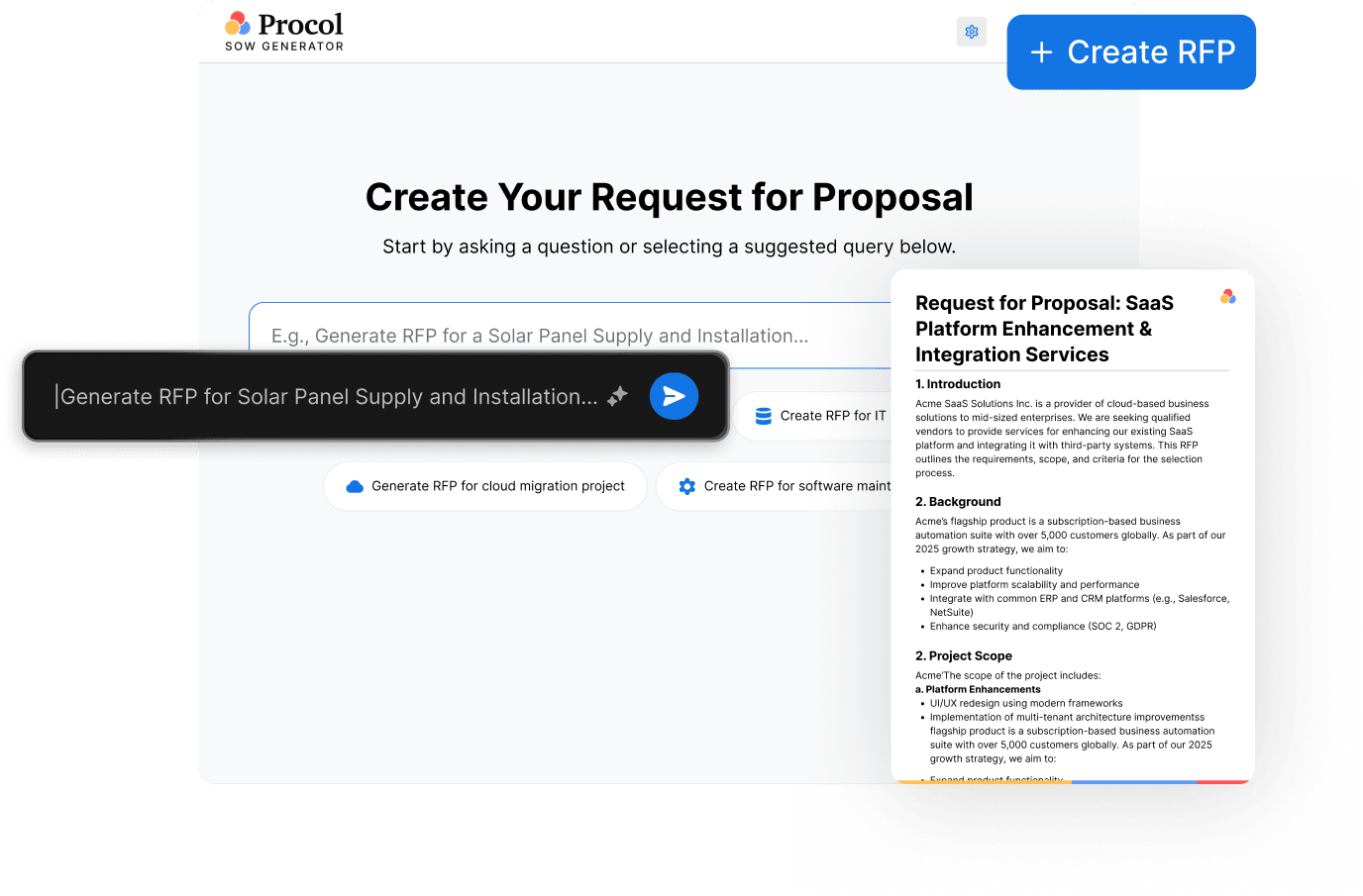

































Create, customize, and download structured, professional Requests for Proposals faster with free RFP software
Go from a simple procurement requirement to a complete, professional RFP in minutes.

Start with a simple prompt describing your project, product, or service requirements. No complex templates or formatting required.
Procol asks targeted follow-up questions to capture important details such as specifications, quantities, timelines, budget, and supplier requirements.
AI turns your inputs into a clear, structured RFP with all the essential sections and requirements.
Review the generated RFP, make any final changes, and download a professional document ready to share with suppliers.
Create clear, complete, and professional RFPs without the manual drafting and formatting.
Create an RFPAn AI-powered RFP generator helps procurement teams create better RFPs faster, streamline the sourcing process, and improve the quality of supplier responses.
Create RFP NowExplore quick answers about our free RFP generator.
An RFP (Request for Proposal) generator is a tool that automates the creation of solicitation documents or vendor response drafts. Using guided inputs, templates, or AI, it can generate key elements such as requirements, scopes of work, vendor questions, evaluation criteria, and compliance requirements, reducing manual drafting and formatting effort.
To create a Request for Proposal (RFP), follow the steps below:
1) Define your requirements: Enter your project goals, scope, specifications, budget, and timelines.
2) Add evaluation criteria: Set the criteria and requirements vendors will be evaluated against.
3) Generate the RFP: Let the tool create a structured RFP based on the information provided.
4) Customize the draft: Review and edit questions, requirements, sections, and other details.
5) Format the RFP: Apply the required structure and formatting to create a professional, supplier-ready document.
6) Review and finalize: Check the RFP for completeness, accuracy, and clarity before sharing it with suppliers.
RFP stands for Request for Proposal. It is a formal document that organizations use to define project requirements, communicate their needs, and invite vendors or contractors to submit competitive proposals outlining their approach, pricing, and execution plans.
The best RFP software depends on your procurement needs. Procol’s AI-powered RFP generator helps teams create professional, structured RFPs faster, while its agentic AI platform goes beyond RFP creation to automate and transform end-to-end enterprise procurement workflows.
Yes, an RFP costs money through internal labor and staff time rather than a direct fee to issue one. Writing, reviewing, and formatting an RFP consumes dozens to hundreds of hours of employee time, and responding to an RFP can cost vendors thousands of dollars.
The “best” AI tool for generating Request for Proposal (RFP) responses depends on your team’s workflow style and data sources. Procol’s RFP generator is a leading AI tool for generating RFP responses in minutes for free.