


Create professional receipts with online receipt generator
Receipt generator is a free online tool that lets you make a receipt without manual writing or complex accounting software. Ready-to-use templates for branded receipts.
Payment receipt · #RCP-2026
₹1,65,000
Procol Tech → Client Corp Inc.
Paid
Items
3
services
GST
0%
compliant
Method
Bank
transfer
Line items
Web Design
3 units
₹45,000
Development
8 units
₹1,00,000
SEO Setup
1 unit
₹20,000
What is a Receipt Generator?
Receipt Generator is an online tool that allows you to create professional receipts in real time without having to rely on any complex accounting solution. It is a web-based tool that helps you tailor receipts to your business needs, and can be used for various use cases from freelancers and small businesses to enterprises.
- Multi-currency support
- Automatic calculations
- Digital distribution and storage
Choose your receipt template - Explore templates.
Find the range of custom receipt templates and start creating receipts now.
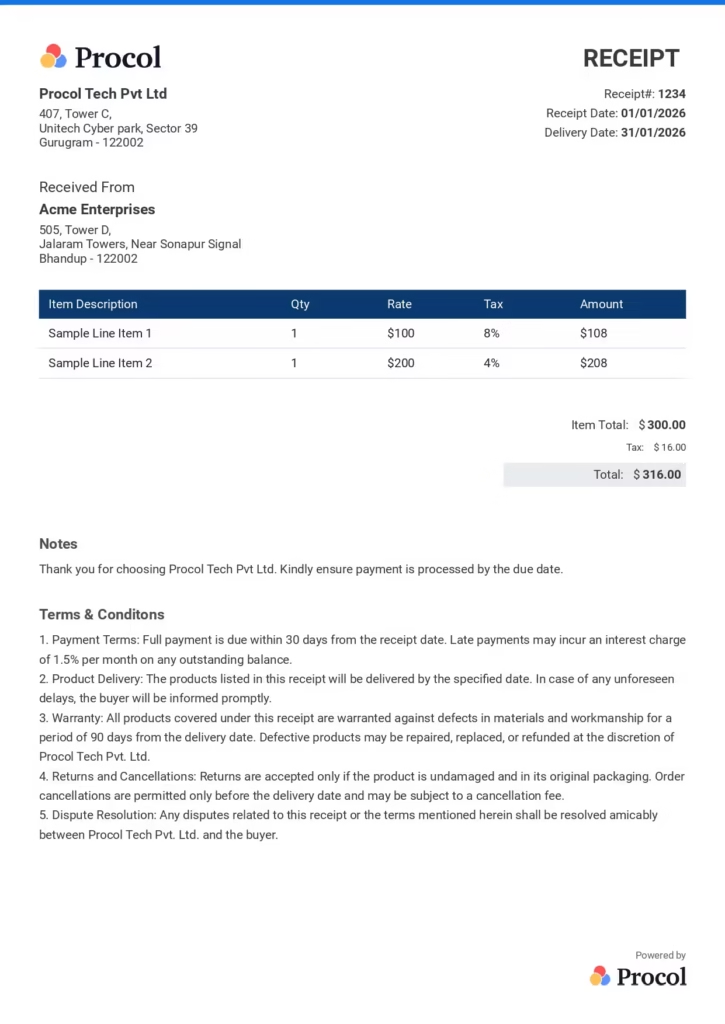
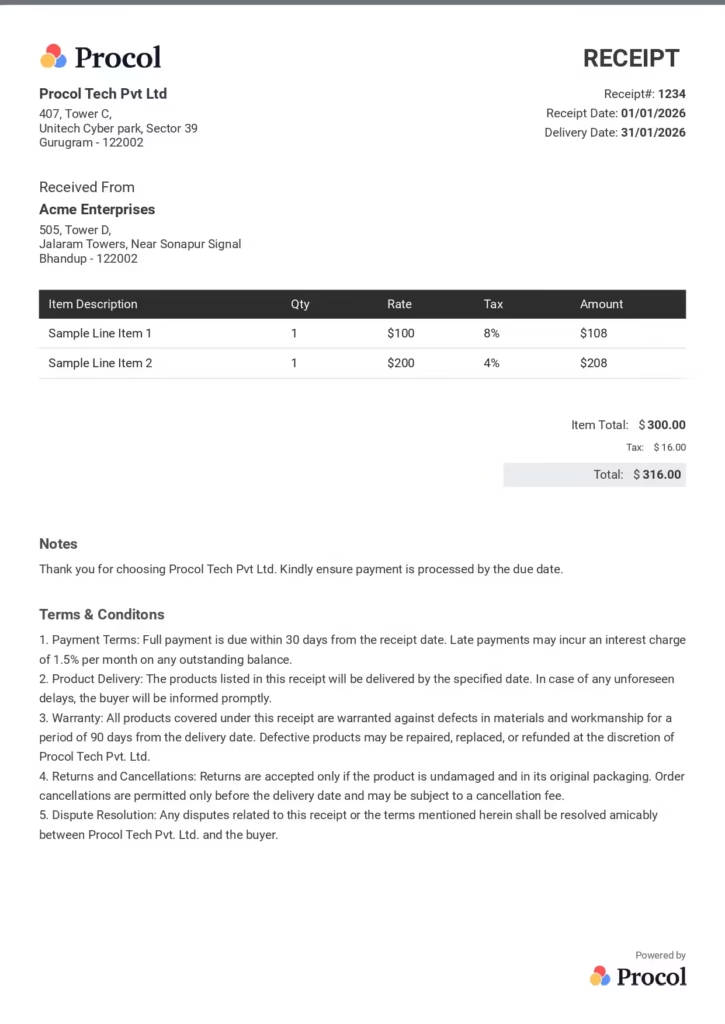
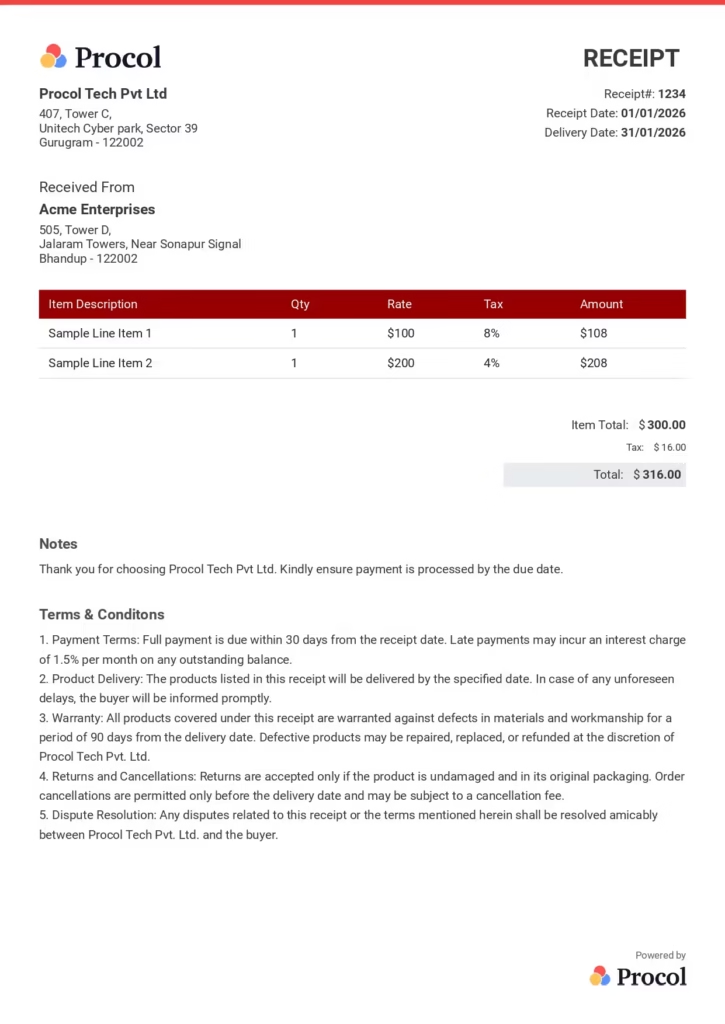
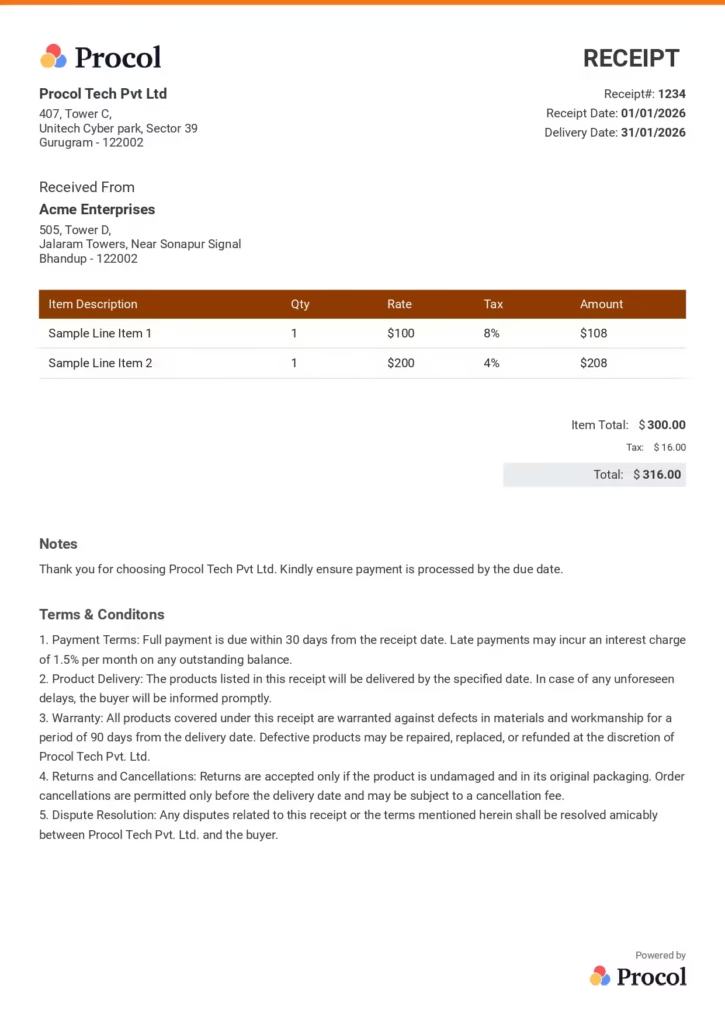
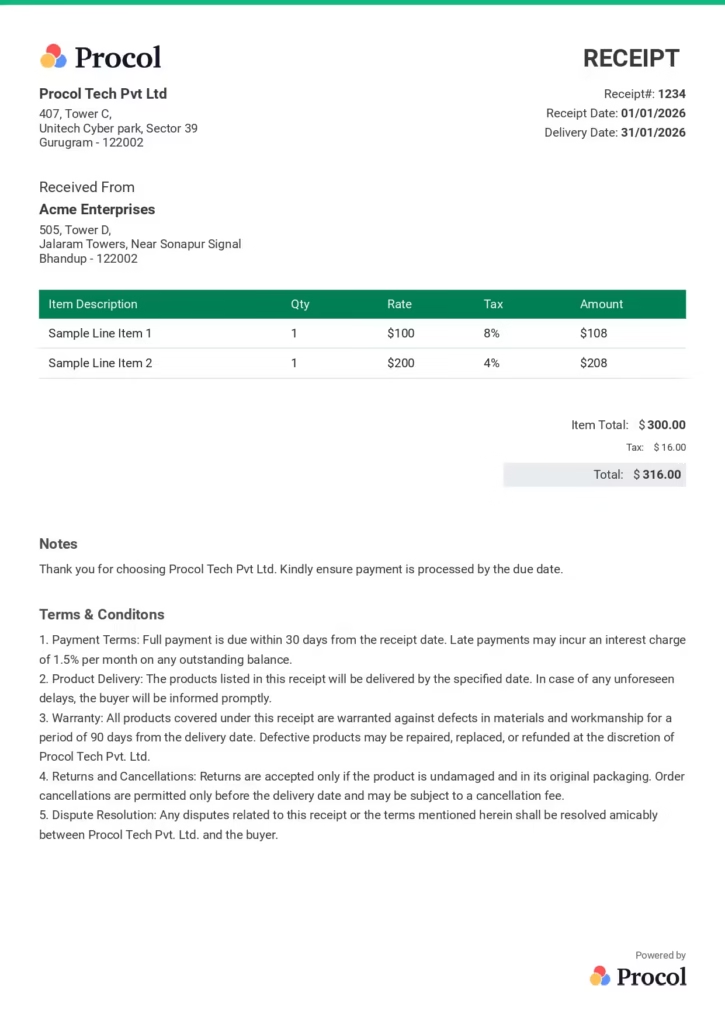
How to create a receipt using Procol's online receipt maker?
To create receipt using Procol’s free online receipt generator, follow these steps:
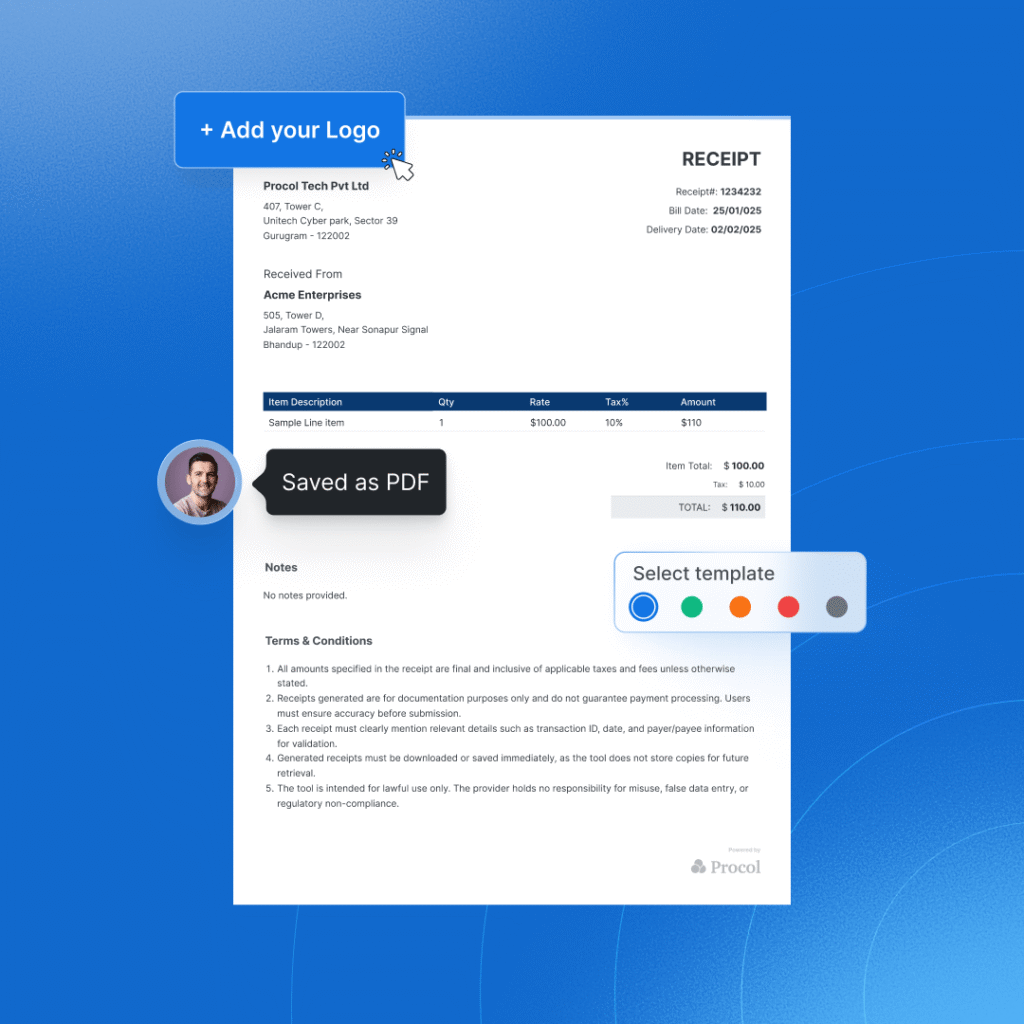
- Step 1
Start by choosing the theme and the format of the receipt, then upload your business logo.
- Step 2
Enter the essential details like your business address, contact information, payment receipt number, currency, receipt issue date, your client’s business name, and address.
- Step 3
Mention all the line item details in the given item description table. Add price, quantity, and tax %, then the e receipt generator free tool will auto calculate the total cost.
- Step 4
You can also add payment terms and conditions or any additional information if required. (Optional)
- Step 5
Once you have entered all the information, click on the download button and download the receipt in pdf format and share it over email, text, or DMs.
What is an online receipt maker?
An online free receipt maker is a web based tool or an application that helps you make receipts quickly and easily. It allows you to generate accurate receipts with the help of pre-designed custom templates. These templates help to create receipts that are customizable and have automated calculations. With automation coming into the picture, the receipt generators help to eliminate the need for manual paperwork, which is tedious.
What are the key features of Receipt Generator?
By automating the process to create receipts, a free receipt generator allows you to keep accurate financial records and focus much more on your business-related important decisions. Be it a business owner or an individual, Procol’s free receipt maker ensures error-free receipts with minimal effort.
The last Receipt Generator tool you’ll ever need. Procol’s receipt maker offers many key features, including:
1) User-friendly dashboard
2) Customizable templates for branding and promotion
3) Automatic tax and discount calculations
4) Secure cloud storage
5) Instant sharing and PDF download options
6) Multi-currency support for global businesses
Why do you need to use an online receipt maker?
The online receipt generator offers numerous features that help you stay on top of every transaction. Here are the top seven reasons why you need an online maker platform:
1) Time Saving
Manual receipt creation can result in a cumbersome task that involves a lot of valuable time in formatting and other details. With the help of a free receipt generator tool, you can create receipts in a few minutes, without the need for manual intervention and effort.
2) Ensure accuracy and reduce errors
With manual receipt creation, certain risks, such as incorrect tax calculation and other missing details, come into play. A free online receipt generator makes sure that the receipts generated are error-free and tax-compliant.
3) Instant receipt generation
With the help of an online receipt maker, you can create receipts from your device instantly. No matter where you are, the process is fast and user-friendly.
4) Cost-effectiveness
Since there are a lot of free receipt maker apps available, they make them an affordable solution for small businesses and self-employed individuals. Businesses can create receipts without investing in expensive e-receipt generators or subscriptions.
5) Enhances organization growth and record-keeping
Manually storing receipts can be a cumbersome task. With the help of a cloud-based system, a free online receipt generator automatically stores all the receipts, enhancing security without any mismanagement of the data. This simplifies the process of tracking payments.
6) Applicable for all
Anyone can use the free receipt maker app to create receipts and improve their transaction management process. This helps improve overall workflow, growth, and efficiency.
What is AI powered online receipt maker?
AI online receipt maker is a digital tool that uses artificial intelligence to automate the receipt generation process. It helps detect errors, auto-fills the details, and even suggests the correct tax rates. AI receipt generator speeds up the process to create receipts by minimizing errors, reducing manual work, and providing smart automation and real-time validation. With the help of AI-powered e-receipt generators, businesses can focus on their growth with seamless transactions and improved overall efficiency.
The key features of AI-powered online receipt maker are:
1) Auto-filling of the receipt details based on past and historical data.
2) Provides accurate tax rates based on location.
3) Categorizing transactions based on specific details for better financial tracking.
4) Integrate seamlessly with accounting and invoicing systems.
5) Automating the recurring receipts and billing cycles.
10 key elements that every payment receipt should include
A proper payment receipt should always include the following details to make sure the clarity, accuracy, and proper documentation. Find the list below:
1. Title
Never miss a clear header, like “Payment Receipt,” at the top of the document to immediately indicate its purpose.
2. Business Logo
Always include your business logo, as it represents your brand identity and helps you build strong brand identity and credibility.
3. Business Name and Contact Information
State the business name and relevant contact details clearly by including address, phone number, and email, for reference.
4. Customer Name and Contact Details
Add the name and contact information of the customer as well to make sure the receipt is related with the right transaction.
5. Payment Receipt Number
Add a unique receipt number for each payment to help as keeping proof of record, tracking, and accounting purposes.
6. Product or Service Description
Clearly describe the products or services taken by the customers, so they can clearly understand what they have paid for.
7. Receipt Date
Always make sure you add the accurate date when the payment was received to keep correct records.
8. Terms and Conditions
Add any payment terms, refund policies, or added conditions related to the transaction.
9. Total Amount Paid
Include the total amount that is paid by the customer, and include taxes or any other fees if applicable.
10. Payment Method
State how the payment was made, like cash, credit card, bank transfer, or digital payment, for better visibility and documentation.
Free online Receipt Generator built for every business need
Procol’s online receipt maker offers tailored solutions for individuals, small businesses, and large enterprises. This free Receipt Generator tool is beneficial for:
1. Freelancers & Consultants
Easily make professional custom receipts for client payments, whether you charge by the hour or per project.
2. Small Businesses
Generate receipts in real time for daily payment, built for small businesses, retail stores, and cash register records.
3. Large Enterprises
Automate and send digital receipts after every order to make sure easy communication and accurate payment records.
What are the benefits of using Receipt Generator tool?
The online receipt maker tool provides many benefits that help you make your payment process fully transparent and on track. The four key benefits of using this free receipt generator tool are given below:
01) Super Fast
Never waste time on manual billing. You can make a complete, professional receipt within 60 seconds, just fill in the details, press download, and you’re done. Your time is better spent running your business.
02) Easy to Use
Anyone can use this tool as it does not require any technical expertise. from a new freelancer to a busy enterprise team, it works seamlessly for all.
03) Error Free
Auto calculations handle the math so you don’t have to. Smart fields, automatic totals, and built-in validation ensure every receipt goes out accurately, no embarrassing corrections, no awkward follow-ups.
04) 100% Compliant
Every receipt is GST-ready right out of the box. Whether you’re a freelancer billing a single client or an enterprise managing hundreds of transactions, stay audit-proof without ever opening a tax manual.
Conclusion
Creating receipts is no longer a complicated process. With Procol’s free receipt generator, anyone can now create professional, error-free, and standard receipts in seconds with custom templates.
Our online receipt generator effortlessly automates the process of making a receipt, calculating totals or taxes, and downloading receipts. Try it now and save time for strategic work.
Frequently Asked Questions about Receipt Generator
Explore quick answers about our free receipt generator.
What is a sales receipt?
A sales receipt is a proof of payment document that the seller issues at the time of sale to verify the services & the amount paid by the buyer. It requests future payment. Sales receipts are mainly used in places where cash and sale is recorded instantly, such as e-commerce websites and POS.
Can I customize the receipt?
Yes, definitely you can fully customise the receipt in POs and payment systems such as square, stripe, etc to include brand logo, custom header or footer texts, specific order details, as well as social media contacts. All these changes happen in the settings, and the update applies to the next receipt that should generate in the future.
Is this receipt generator free?
Yes, this receipt generator is free to use, which allows you to create, download, and print unlimited times for professional use in a customised way without charges or any sign-ups. Procol’s receipt generator is completely free to use, where you can fill in the necessary details & download the receipt instantly without any cost.
What is the difference between a receipt and an invoice?
The difference between a receipt and an invoice is recognised by their process. Invoice initiates the pending transaction, where as receipt confirms the payments. When an invoice is legally formats sale terms, receipts offer protection by confirming the payments.
What payment methods are supported?
The supported payment methods are credit or debit cards, net banking, UPI, digital wallets, and pay later. Rather than this QR Code, EMI options, NEFT & international methods such as Apple payments are available, which depend on the provider as per their use.
How do I send a receipt?
You can send a receipt through email, SMS, and pdf links, which gather all kinds of data, amount, tax, and selected items details. If you are choosing a digital method to send a receipt in your POs or invoicing software after payment is done, you can choose Procol’s receipt generator free for sure.
Can I generate a PDF receipt?
Yes, you can generate a PDF receipt by using many formats, like free online tools, template editors, and automated software that allows you to download or share a link to the PDF. It also includes all the informations including business name, contact details, date of transaction, unique receipt numbers, and description of services sold.
Can I change the currency?
Yes, you can change the currency using free receipt generator by selecting different types of currencies as per the need through symbols (e.g., USD, EUR, GBP, INR) from a dropdown menu, in settings, or within the template customization options.
Can I upload my own business logo?
Yes, you can upload your own business logo, which creates professional, branded receipts. You can use Procol’s receipt generator by choose file option to add your business logo most smoothly.
Is there a watermark on the receipts?
No, when you generate a receipt with Procol’s receipt generator, there will be no watermark. Watermarks are universal, and while some businesses may use them as a security measure to prevent their receipts from being copied, you won’t find any watermark on our receipts.
What are the different types of receipts?
Receipts are proof of a transaction that has two different types: capital receipts and the other is revenue receipts. Rather than this, function-wise receipts have many types, including sales, cash, digital receipts, invoice receipts, and expense receipts.
How do I charge taxes using the online receipt maker?
To charge taxes using an online free receipt maker, enter the tax rate, such as GST, VAT, or sales tax, in the designated tax field for each product & then the tool will automatically calculate the tax amount, add it to the subtotal, and generate a final receipt.
Can I use this for business purposes?
Yes, you can use this free online receipt generator for business purposes. Where tools are used for creating receipts for retail and e-commerce that allows to add custom branding, product lists, taxes, and payment methods.
What is the best free receipt maker app?
Procol is the best free receipt maker platform. You can use this online receipt maker app for free, and it also comes with pre-designed templates that you can use for business purposes.
How do I write a receipt?
To write a proper receipt, include the following details:
1) Receipt number
2) Your business name and contact information
3) Date of the transaction
4) The words “Cash Receipt.”
5) Description and quantity of items sold
6) Price of each item
7) Applicable sales tax
8) Subtotal and total amount
9) Any relevant sales terms and conditionsWhat is a receipt generator used for?
A receipt generator or receipt maker is an online tool that helps you create e-receipts or digital receipts. These receipts simplify the way to keep track of various transactions.